

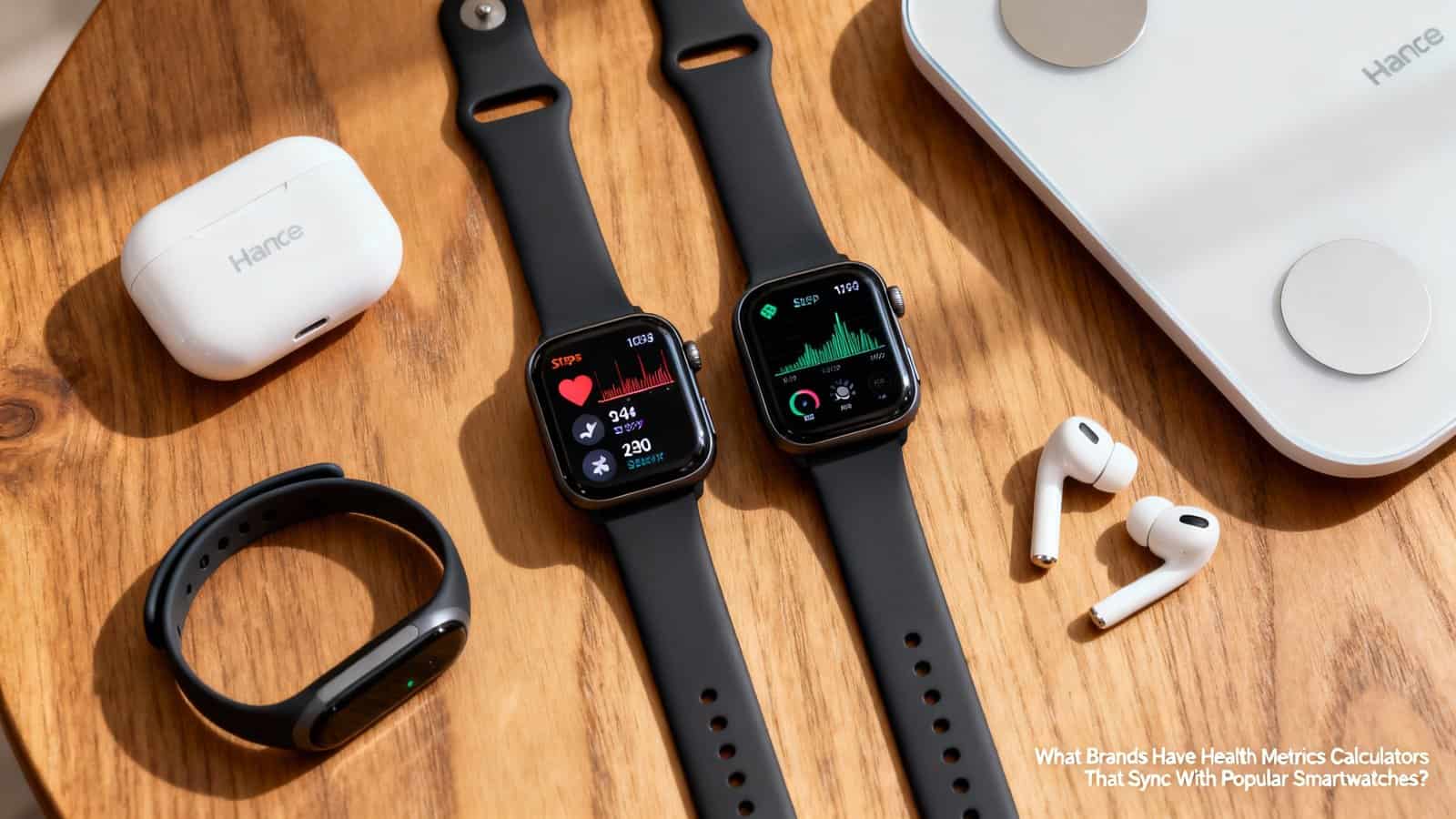
What Brands Have Health Metrics Calculators That Sync With Popular Smartwatches?
You’ll find comprehensive health calculators in MyFitnessPal for calories and macros, Garmin Connect for VO2 max and recovery metrics, and Strava for power zones and pace analysis. Nike Training Club tracks workout intensity while Fitbit Premium calculates daily wellness scores. Apple Health offers native BMI and cardio fitness calculators with extensive third-party integration. Samsung Health measures body composition through bioelectrical impedance, and Polar Flow and Whoop provide advanced training zone and sleep optimization calculations that’ll transform how you understand your fitness data.
Key Takeaways
- MyFitnessPal offers calorie and macro calculators with real-time syncing across Apple Watch, tablets, and phones for nutrition tracking.
- Garmin Connect provides VO2 max calculations, fitness age estimates, and recovery metrics that sync with Garmin smartwatches.
- Strava calculates running pace, power zones, and race predictions with two-way syncing for Garmin, Apple Watch, and Polar devices.
- Apple Health features native BMI and cardio fitness calculators that sync across iPhone, iPad, and Apple Watch ecosystems.
- Samsung Health calculates body composition metrics using Galaxy Watch sensors, including body fat percentage and skeletal muscle mass.
Myfitnesspal’s Calorie and Macro Calculators With Cross-Platform Syncing
When you’re tracking your nutrition goals, MyFitnessPal’s calorie and macro calculators offer one of the most comprehensive databases with over 14 million foods and seamless smartwatch integration. You’ll find the app’s database accuracy particularly impressive, with verified entries marked by green checkmarks and constant updates from both users and food manufacturers.
The barcode scanner instantly logs packaged foods, while the recipe importer calculates nutritional values for homemade meals.
Your smartwatch becomes a powerful companion for meal planning as you can quickly check remaining calories and macros directly from your wrist. You’ll receive real-time notifications about your daily targets and can log water intake without pulling out your phone.
The cross-platform syncing ensures your data updates instantly across all devices, whether you’re logging breakfast on your Apple Watch or reviewing weekly trends on your tablet. This integration makes staying accountable effortless throughout your day.
Garmin Connect’s Advanced Performance Metrics and Training Load Analysis
Garmin Connect takes your fitness tracking beyond basic metrics by calculating your VO2 max—the gold standard for measuring cardiovascular fitness—every time you run or cycle with your compatible device. You’ll see how your aerobic capacity changes over time, and the platform’s Recovery Time Advisor tells you exactly how many hours to rest before your next hard workout.
These science-backed calculations help you train smarter by balancing workout intensity with adequate recovery to prevent overtraining and maximize performance gains.
VO2 Max Tracking
Tracking your cardiovascular fitness becomes remarkably precise with Garmin Connect’s VO2 Max calculations, which analyze your heart rate variability and running pace to estimate your body’s maximum oxygen consumption capacity. You’ll receive personalized fitness age estimates and performance predictions based on your current levels.
The system accounts for altitude effects, automatically adjusting calculations when you’re training at elevation. While genetic predisposition influences your VO2 Max ceiling, you can still improve within your range through targeted training.
| Fitness Level | VO2 Max Range | 5K Time Prediction |
|---|---|---|
| Superior | 55-65+ | Under 18:00 |
| Excellent | 50-54 | 18:00-20:30 |
| Good | 45-49 | 20:30-23:00 |
| Fair | 40-44 | 23:00-26:00 |
Your device tracks improvements over weeks and months, helping you understand whether your training’s working effectively or needs adjustment for optimal cardiovascular development.
Recovery Time Advisor
How quickly should you return to intense training after yesterday’s workout? Garmin Connect’s Recovery Time Advisor takes the guesswork out of this critical decision.
After each activity, you’ll receive a countdown timer showing exactly when your body will be ready for another hard effort. The system analyzes your heart rate variability, training load, sleep quality, and stress levels to calculate personalized recovery windows.
You can optimize these recommendations by logging additional recovery activities.
Track your cold therapy sessions and massage frequency in the app to see how they impact recovery times. The advisor adjusts its predictions based on your actual performance trends, learning whether you’re someone who bounces back quickly or needs extra rest.
This prevents overtraining while ensuring you don’t waste time with unnecessary recovery days.
Strava’s Power and Pace Calculators for Athletic Performance Tracking
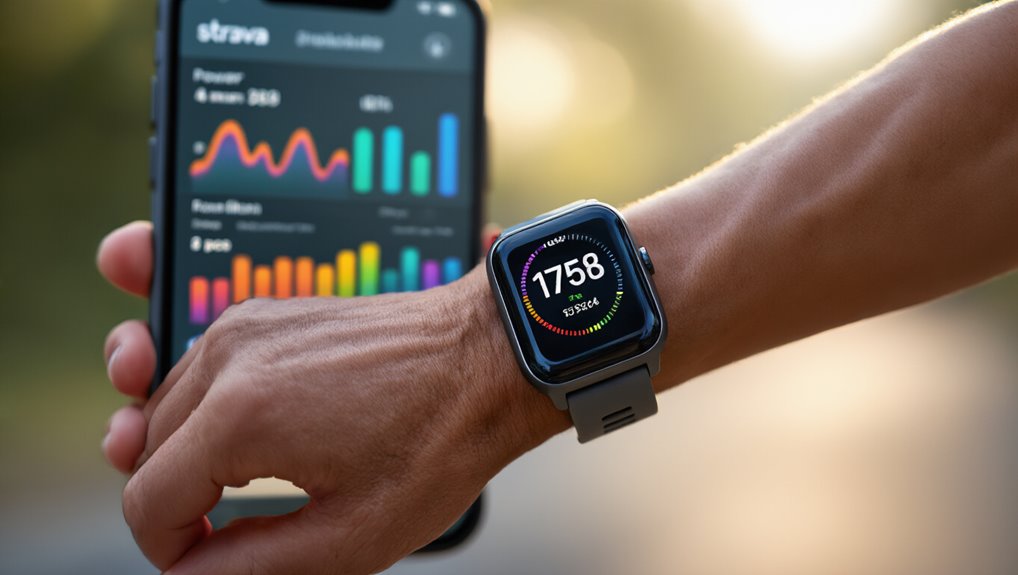
You’ll find Strava’s calculators transform raw smartwatch data into actionable insights through real-time power zones that automatically adjust based on your current fitness level.
The platform’s running pace analysis breaks down your splits, grade-adjusted pace, and relative effort scores while syncing seamlessly with most major smartwatch brands.
Your Garmin, Apple Watch, or Polar device can push workout data directly to Strava’s servers, where advanced algorithms calculate everything from functional threshold power to predicted race times.
Real-Time Power Zones
When you’re pushing through intense workouts or races, Strava’s power and pace calculators transform raw performance data into actionable insights that sync directly with your smartwatch. You’ll see your power zones update in real-time, helping you maintain optimal intensity throughout training sessions. Adaptive algorithms continuously adjust these zones based on your recent performance trends and sensor calibration accuracy.
| Power Zone | % of FTP |
|---|---|
| Recovery | 0-55% |
| Endurance | 56-75% |
| Tempo | 76-90% |
| Threshold | 91-105% |
Your smartwatch displays color-coded zones during activities, ensuring you’re training at the right intensity. The system automatically recalculates zones after breakthrough performances, eliminating manual updates. You can customize zone ranges to match specific training philosophies while maintaining sync across all connected devices for consistent performance tracking.
Running Pace Analysis
The calculator evaluates:
- Grade-adjusted pace showing true effort on inclines
- Split comparisons highlighting consistency across segments
- Stride length changes throughout your run
- Heart rate correlation with pace fluctuations
Your smartwatch feeds real-time data directly to Strava’s algorithms, which process elevation changes and environmental factors instantly.
You’ll understand why that headwind slowed you down or how much that downhill boosted your speed. This precision helps you adjust training zones and race strategies based on actual performance patterns rather than guesswork.
Smartwatch Integration Features
After your smartwatch captures each workout metric, Strava’s integration features transform raw sensor data into actionable insights through seamless two-way syncing. You’ll find the platform automatically imports your heart rate, cadence, and GPS coordinates while maintaining firmware compatibility across major smartwatch brands including Garmin, Apple Watch, and Polar devices.
The app’s battery optimization ensures continuous background syncing won’t drain your device during extended training sessions. You can customize which metrics transfer between devices, selecting power output, stride length, or elevation gain based on your training priorities.
Real-time segment matching alerts you when you’re approaching personal records, while post-workout analysis calculates your relative effort score. The integration preserves data accuracy by compensating for GPS drift and sensor variations, giving you reliable performance benchmarks across different devices and conditions.
Nike Run Club and Training Club’s Workout Intensity Calculations
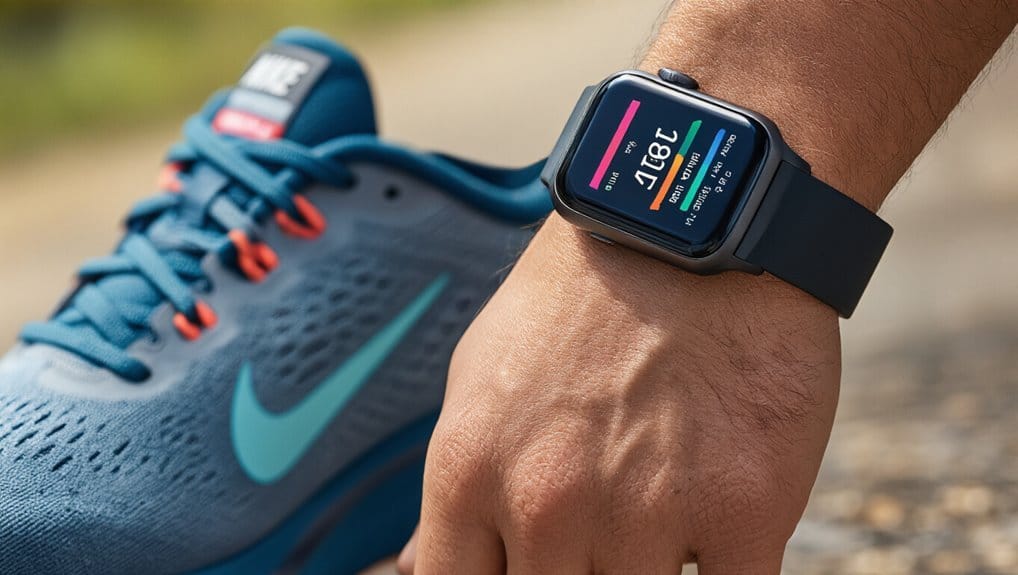
How does Nike calculate your workout intensity across its ecosystem of fitness apps?
You’ll find sophisticated metrics working behind the scenes in both Nike Run Club and Nike Training Club.
These apps leverage your smartwatch’s sensors to track heart rate zones, pace variations, and effort levels throughout your sessions.
Nike’s workout intensity calculations include:
- Heart rate zone distribution – monitors time spent in each training zone
- Rate of Perceived Exertion (RPE) – combines objective data with subjective feedback
- Pace-to-heart-rate ratios – analyzes cardiovascular efficiency during runs
- Recovery time predictions – estimates needed rest between intense sessions
While Nike maintains limited algorithm transparency, you can access detailed breakdowns through the app’s post-workout summaries.
User perception plays a crucial role as you’re prompted to rate workout difficulty, helping Nike’s system calibrate future intensity recommendations.
Your smartwatch automatically syncs this data, creating personalized training zones that adapt as your fitness improves.
Fitbit Premium’s Health Metrics Dashboard and Wellness Score Features
Beyond individual workout metrics, Fitbit Premium transforms your smartwatch into a comprehensive health monitoring hub with its advanced dashboard and scoring systems. You’ll receive a daily Wellness Score that combines your activity, sleep, and heart rate variability data into one actionable number. This score adapts to your baseline patterns, helping you understand when you’re ready for intense exercise or need recovery time.
Your Health Metrics Dashboard displays breathing rate, skin temperature variation, and oxygen saturation trends alongside traditional metrics. The insights visualization feature presents complex data through easy-to-read graphs and charts, making it simple to spot patterns affecting your wellbeing.
You can customize privacy controls to determine which metrics sync to your connected devices and who sees your progress. The platform’s stress management score evaluates your body’s physical responses and suggests personalized mindfulness sessions when you need them most, creating a complete picture of your health beyond basic step counting.
Apple Health’s Native Calculators and Third-Party App Integration
While Fitbit Premium focuses on proprietary metrics, Apple Health takes a different approach by combining built-in calculators with extensive third-party app compatibility.
You’ll find native calculators for BMI, walking steadiness, and cardio fitness levels that automatically sync with your Apple Watch data.
Apple Health’s third-party integration sets it apart through:
- Seamless Data Mapping – Apps like MyFitnessPal and Strava automatically share calculations with your health dashboard
- Unified metrics display – View all calculator results from different apps in one centralized location
- Cross-platform synchronization – Your calculated metrics update across iPhone, iPad, and Apple Watch simultaneously
- Customizable health categories – Choose which calculated metrics appear on your summary page
You’re in complete control with Apple’s Privacy Controls, determining which apps access your health calculations and what data they can write back.
This ecosystem approach means you aren’t locked into Apple’s calculators alone—you can choose specialized apps that suit your specific health monitoring needs.
Samsung Health’s Body Composition and Stress Level Assessment Tools
Samsung Health takes body analysis further than basic health tracking by incorporating advanced bioelectrical impedance analysis (BIA) technology directly into Galaxy Watch models. You’ll measure body fat percentage, skeletal muscle mass, and body water levels by simply touching your watch’s sensors for fifteen seconds.
This feature syncs automatically with your smartphone’s Samsung Health app, creating comprehensive body composition trends over time.
Your stress monitoring benefits from continuous heart rate variability tracking throughout the day. Samsung’s stress assessment tools use sensor calibration that adapts to your baseline patterns, improving accuracy as you wear the device longer.
You can trigger manual stress measurements when needed, receiving immediate feedback and breathing exercise prompts.
While Samsung doesn’t provide complete algorithm transparency, they’ve published white papers explaining their measurement methodologies. You’ll find these body composition readings most accurate when you’re hydrated and haven’t exercised recently.
The stress scores integrate with guided meditation programs and sleep tracking data.
Polar Flow’s Heart Rate Zone Calculators and Recovery Analysis
How precisely can your smartwatch determine optimal training intensity and recovery needs?
Polar Flow’s heart rate zone calculators leverage your personal data to create customized training zones that sync seamlessly with compatible smartwatches.
You’ll receive real-time feedback during workouts, ensuring you’re training at the right intensity for your goals.

Polar Flow’s recovery analysis features include:
- Nightly Recharge – Measures how well you’ve recovered from daily stress
- Recovery Pro – Tracks cardio system recovery and provides training recommendations
- Orthostatic Test – Evaluates your body’s readiness for training
- Sleep Plus Stages – Analyzes sleep quality and duration patterns
What sets Polar apart is their algorithm transparency—they openly explain how metrics are calculated, helping you understand your data better.
You maintain complete data ownership, with options to export your information anytime.
The platform’s recovery insights adjust based on your training load, sleep patterns, and autonomic nervous system measurements, providing personalized guidance for optimal performance and injury prevention.
Whoop’s Strain Coach and Sleep Performance Optimization Metrics
Unlike traditional fitness trackers that focus primarily on activity, Whoop’s Strain Coach calculates your body’s optimal daily exertion level based on your recovery status and sleep quality.
You’ll receive personalized strain recommendations that adapt daily, helping you understand when to push harder or prioritize rest.
Your sleep metrics go beyond basic tracking.
Whoop analyzes your circadian alignment by monitoring when you fall asleep relative to your body’s natural rhythm.
You’ll see how sleep consistency affects your recovery scores and next-day performance capacity.
The platform calculates sleep debt accumulation and provides specific bedtime recommendations to optimize restoration.
While Whoop maintains some algorithm transparency through their published research papers, you won’t see every calculation detail.
Instead, you’ll get actionable insights through color-coded recovery scores and strain targets.
The system syncs seamlessly with your smartphone, delivering real-time coaching that helps you balance training stress with adequate recovery for sustained performance improvements.
Frequently Asked Questions
Which Health Metric Calculators Work Offline Without Internet Connectivity?
You’ll find that Garmin, Fitbit, and Apple Watch calculators work offline through edge processing directly on your device.
These brands store algorithms locally, so you don’t need internet to calculate metrics like calories burned, heart rate zones, or sleep scores.
Your smartwatch’s input methods – including sensors and manual entries – feed data to the onboard processor, which computes results instantly without connecting to external servers or cloud services.
Are These Calculator Features Free or Require Paid Subscriptions?
You’ll find most basic calculator features are free, but advanced analytics often require paid subscriptions.
Brands like Garmin and Fitbit offer free essential metrics, while premium features cost $5-10 monthly.
Apple’s pricing transparency shows Health+ costs $9.99/month.
Samsung includes most calculations free with Galaxy watches.

Subscription bundles from Whoop and Oura combine hardware with mandatory monthly fees.
You’re typically paying for trend analysis, personalized insights, and coaching features rather than basic calculations.
Can Multiple Users Share Calculator Data on One Device?
You can share calculator data through account switching on most health apps, letting multiple users track their metrics separately on one device.
Apps like Samsung Health and Fitbit support individual profiles with shared logs accessible to family members.
You’ll need to create separate accounts for each person, then switch between them to view different calculator results.
Some apps restrict this feature to premium subscriptions, while others offer basic multi-user support free.
Which Calculators Support Metric and Imperial Measurement Systems?
You’ll find most major health metric calculators support both metric and imperial measurement systems for unit conversion flexibility. Garmin Connect, Apple Health, Fitbit, Samsung Health, and MyFitnessPal all let you switch between kilograms/pounds and centimeters/inches based on your regional preferences.
You can typically adjust these settings in the app’s profile or general settings menu. This dual-system support ensures you’re comfortable tracking your health data regardless of your location or personal preference.
Do These Calculators Comply With Medical Device Regulations?
Most health metrics calculators aren’t classified as medical devices, so they don’t undergo FDA approval processes.
You’ll find disclaimers stating they’re for “wellness purposes only” to avoid liability implications.
If you’re using these tools for medical decisions, you shouldn’t rely solely on them.
They’re not regulated like diagnostic equipment, which means manufacturers face fewer liability implications but can’t make medical claims about their calculator’s accuracy or diagnostic capabilities.
Conclusion
You’ve got plenty of options when you’re looking for health metrics calculators that sync with your smartwatch. Whether you’re tracking calories with MyFitnessPal, analyzing recovery with Polar Flow, or optimizing sleep with Whoop, there’s a solution that’ll fit your needs. Start with your smartwatch’s native app first—it’s usually the most seamless option. Then explore third-party platforms that offer the specific metrics you care about most for your fitness journey.


Table of Contents
Related posts:
 Which Apps Offer Health Metrics Calculators With Meal and Nutrition Tracking?
 Which Companies Offer Reliable Health Metrics Calculator Apps With Tracking Features?
 5 Things the Nhs Bmi Calculator Reveals About Your Health
 Where Can I Buy a Health Metrics Calculator That Includes Heart Rate Variability Tracking?





No Comments