

Which Companies Offer Reliable Health Metrics Calculator Apps With Tracking Features?
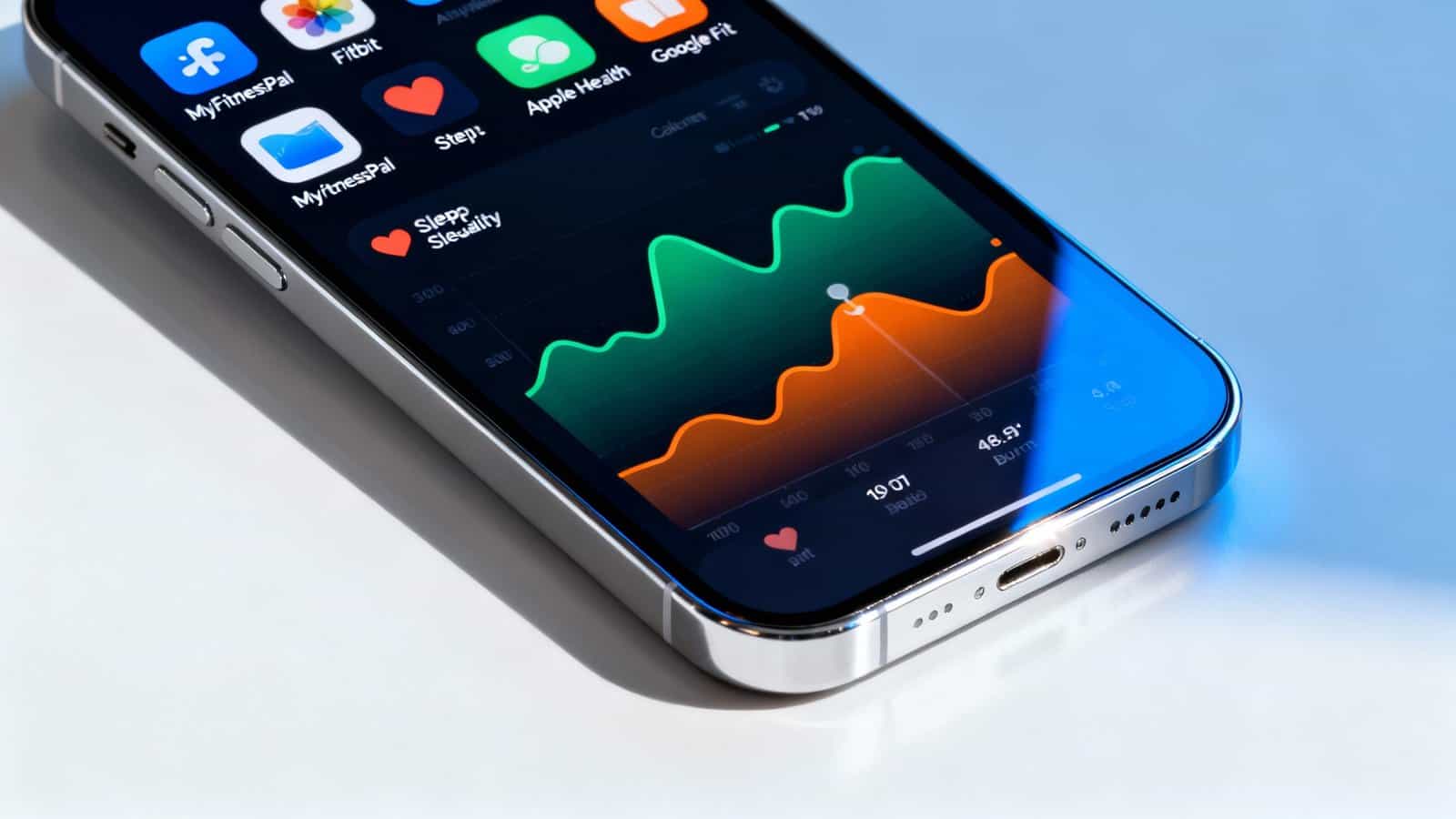
You’ll find reliable health metrics calculator apps from tech giants like Apple Health, Google Fit with Fitbit, and Samsung Health, which offer comprehensive tracking across multiple devices with automatic syncing. MyFitnessPal excels at nutrition tracking with its 14-million-item food database, while Garmin Connect provides advanced athletic performance metrics. Withings Health Mate stands out with FDA-cleared medical-grade devices for ECG and blood pressure monitoring. Each platform brings unique strengths to help you monitor different aspects of your wellness journey.
Key Takeaways
- Apple Health, Google Fit/Fitbit, Samsung Health, and Garmin Connect offer comprehensive health tracking with automatic device syncing and calculation features.
- Withings provides FDA-cleared medical-grade devices with automatic health metric calculations including ECG, blood oxygen, and body composition analysis.
- MyFitnessPal specializes in nutrition tracking with 14 million food items, automatic calorie calculations, and macro/micronutrient monitoring capabilities.
- Garmin Connect calculates advanced performance metrics including training load analysis, recovery time estimates, and injury risk warnings.
- Major platforms support third-party device integration, enabling consolidated health data tracking from blood pressure monitors, glucose meters, and fitness trackers.
Apple Health and Its Comprehensive Ecosystem of Tracking Tools
Tracking your health data becomes remarkably streamlined when you’re using Apple Health, the iPhone’s built-in hub that automatically collects metrics from your device and compatible third-party apps.
You’ll find everything from step counts and heart rate to sleep patterns and nutrition data consolidated in one secure location.
The platform’s robust Privacy Controls let you decide exactly which apps can access specific health information, ensuring your sensitive data remains protected.
Apple Health’s ResearchKit Support enables you to contribute anonymously to medical studies directly through your phone, transforming everyday health tracking into potential scientific breakthroughs.
You can sync data from hundreds of compatible devices, including fitness trackers, smart scales, and blood pressure monitors.
The app automatically organizes your metrics into easy-to-read trends and highlights, helping you spot patterns in your wellness journey.
With features like medication reminders and cycle tracking, you’re equipped with comprehensive tools that adapt to your specific health monitoring needs.
Google Fit and Fitbit’s Integration for Advanced Health Monitoring
When you’re seeking a powerful alternative to Apple’s ecosystem, Google Fit and Fitbit work together seamlessly to deliver comprehensive health monitoring across Android devices and wearables.
Since Google acquired Fitbit, you’ll find enhanced API compatibility between both platforms, letting you sync data effortlessly while maintaining access to Fitbit’s premium features.
You’ll benefit from advanced sensor fusion technology that combines data from multiple sources:
- Heart rate variability from your Fitbit device merges with phone-based step counting
- Sleep patterns tracked by wearables integrate with movement data from your smartphone
- GPS routes from outdoor activities sync across both platforms automatically
- Calorie calculations combine device sensors with manual food logging
You can export your health data to third-party apps through Google Fit’s open API. Fitbit Premium adds personalized insights and guided programs.
The integration means you won’t lose historical data when switching devices, and you’ll maintain consistent tracking whether you’re using a Pixel Watch, Fitbit Charge, or just your Android phone.
Samsung Health’s Multi-Device Synchronization and Biometric Capabilities
While Google Fit excels at open ecosystem integration, Samsung Health delivers a more tightly controlled multi-device experience that’s particularly powerful if you’re invested in Samsung’s hardware lineup.
You’ll find seamless synchronization across Galaxy phones, watches, tablets, and earbuds, with automatic sensor calibration ensuring consistent readings regardless of which device you’re using.
Your biometric data syncs instantly through Samsung’s cloud infrastructure, protected by military-grade data encryption.
You can start a workout on your Galaxy Watch and review detailed metrics on your phone without manual transfers.
The app’s advanced capabilities include blood oxygen monitoring, body composition analysis, and stress tracking through heart rate variability.
Samsung Health’s strength lies in its hardware-software optimization.
You’ll get more accurate readings from Galaxy devices than third-party alternatives since Samsung fine-tunes algorithms specifically for their sensors.
The platform also supports medical-grade devices like blood pressure monitors and glucose meters, making it a comprehensive health hub that rivals dedicated medical tracking systems.
MyFitnessPal’s Nutrition-Focused Tracking and Database Features
Counting calories becomes remarkably simple with MyFitnessPal‘s extensive food database containing over 14 million items, including restaurant meals, packaged foods, and generic ingredients.
You’ll find barcode scanning particularly useful for quick logging of packaged foods during grocery shopping or meal prep.
The app’s Macro Tracking capabilities help you monitor protein, carbohydrates, and fat intake alongside micronutrients. You can customize your daily goals based on specific dietary needs or fitness objectives.
The Recipe Importing feature lets you save favorite meals by entering URLs from cooking websites, automatically calculating nutritional values per serving.
MyFitnessPal’s tracking tools include:
- Water intake monitoring with customizable reminders
- Exercise database with calorie burn estimates
- Progress photos and measurement tracking
- Weekly nutrition reports showing trends
You’ll appreciate the app’s integration with fitness trackers and smart scales, creating a comprehensive health monitoring ecosystem. The premium version offers advanced features like food timestamp analysis and custom macro goals by meal.
Garmin Connect’s Athletic Performance and Recovery Metrics
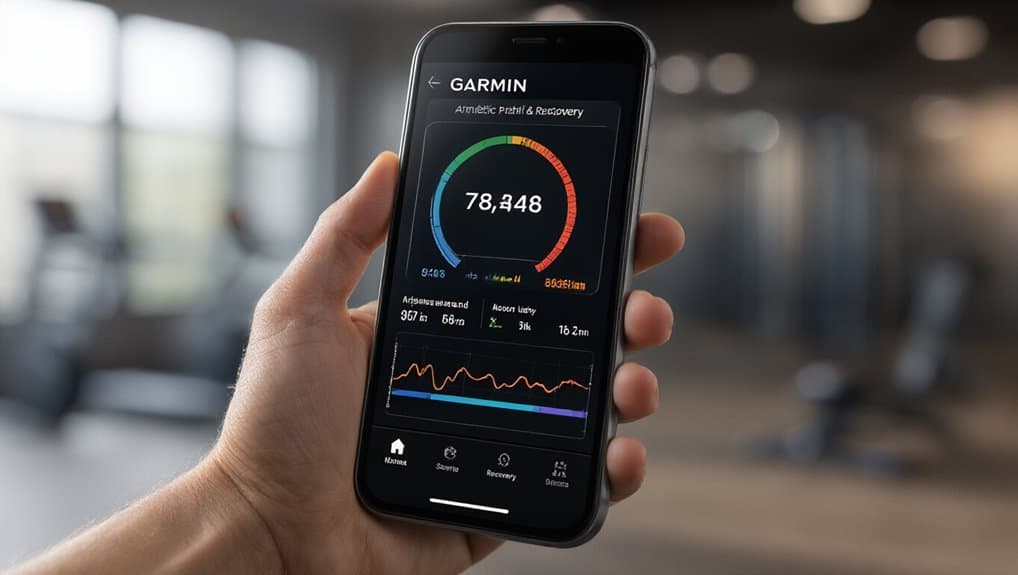
Garmin Connect transforms your workout data into actionable insights through its Training Load Analysis, which measures your exercise intensity over the past seven days and compares it to your fitness level.
You’ll receive personalized Recovery Time Estimates after each activity, telling you exactly how many hours to rest before your next hard effort.
These metrics help you balance training stress with adequate recovery, preventing burnout while maximizing your athletic gains.
Training Load Analysis
Analyzing your training load through Garmin Connect transforms raw workout data into actionable insights about your athletic performance and recovery needs.
You’ll discover how your body responds to different training intensities and volumes over time.
The app tracks four critical metrics:
- Acute Training Load – Your 7-day workout strain
- Chronic Training Load – Your 28-day fitness baseline
- Training Load Focus – Distribution across aerobic, anaerobic, and low-intensity zones
- Load Ratio – Balance between recent and long-term training
Garmin’s algorithm incorporates Session RPE calculations to gauge workout difficulty based on your perceived exertion.
The system also measures Biomechanical Load, tracking the cumulative stress on your muscles and joints from running activities.
You’ll receive alerts when you’re overtraining or undertraining, helping you maintain optimal performance while preventing burnout and injury.
Recovery Time Estimates
After pushing your body through intense workouts, you’ll need to know exactly when you’re ready to train hard again. Garmin Connect’s recovery metrics analyze your heart rate variability, training intensity, and sleep quality to calculate personalized recovery times. You’ll receive specific hour recommendations before your next high-intensity session.
The system factors in your fitness level, workout history, and stress markers to prevent overtraining. It’ll adjust estimates based on your immune recovery status, helping you avoid illness from excessive training loads. These predictions become more accurate as the app learns your patterns.
| Recovery Status | Training Recommendation |
|---|---|
| 0-24 hours | Light activity only |
| 24-48 hours | Moderate intensity allowed |
| 48+ hours | High intensity needed |
The injury prognosis feature warns you when accumulated fatigue increases injury risk, suggesting lighter sessions or complete rest days.
Withings Health Mate’s Medical-Grade Measurement Integration
When you’re looking for health tracking that bridges the gap between consumer wellness and clinical accuracy, Withings Health Mate stands out through its seamless integration with medical-grade devices.
You’ll find their ecosystem connects with FDA-cleared smart scales, blood pressure monitors, and sleep analyzers that undergo rigorous clinical validation processes.
The platform’s medical-grade features include:
- ECG monitoring through their ScanWatch with atrial fibrillation detection
- Blood oxygen saturation measurements meeting hospital-grade standards
- Body composition analysis using bioelectrical impedance with physician-level accuracy
- Temporal artery thermometers providing precise core temperature readings
You’re protected by enterprise-level data encryption that safeguards your health information during transmission and storage.
The app automatically syncs measurements from all connected devices, creating comprehensive health reports you can share with healthcare providers. What sets Withings apart is their commitment to clinical validation—each device undergoes extensive testing against medical equipment to ensure you’re getting readings that doctors trust for treatment decisions.
Frequently Asked Questions
Are These Health Tracking Apps Free to Download and Use?
You’ll find most health tracking apps use freemium models, offering basic features for free while charging for advanced capabilities.
You can download and start using apps like MyFitnessPal, Fitbit, and Apple Health without paying, but you’ll encounter subscription costs ranging from $10-20 monthly if you want premium features like detailed analytics, personalized coaching, or ad-free experiences.
Free versions typically include basic tracking, while subscriptions unlock comprehensive health insights.
Which Apps Work Offline Without Requiring Constant Internet Connectivity?
You’ll find Fitbit, Samsung Health, and Apple Health work excellently offline, storing your data with local encryption on your device.
They’ll sync when you reconnect but maintain near-complete feature parity without internet.
Google Fit and MyFitnessPal offer basic offline tracking, though you’ll lose some advanced features.

Garmin Connect excels offline if you’re using their devices.
Most apps let you track workouts, log meals, and monitor vitals without connectivity, syncing everything later.
Can Multiple Family Members Share One App Account Safely?
You can share app accounts with family members, but it’s not always safe. Most health tracking apps aren’t designed for multi-user access, creating privacy implications when you’re mixing personal health data.
You’ll need proper access control features like separate profiles or family accounts.
Apps like Apple Health, Google Fit, and Samsung Health offer family sharing options that maintain individual privacy while allowing supervised access for children’s accounts.
How Much Phone Storage Space Do These Apps Typically Require?
You’ll typically need 50-200MB for most health metrics calculator apps, though size ranges vary significantly between providers.
Basic apps require around 50MB, while comprehensive ones with extensive features need 150-200MB.
Cache behavior affects storage over time – you’ll notice apps accumulating 100-500MB additional data from stored measurements, graphs, and offline content. Regular cache clearing helps manage space, but you’ll want at least 300MB free for smooth operation with tracking features.
Do These Apps Drain Smartphone Battery Life Significantly During Use?
You’ll notice minimal battery drain during active use, typically 2-3% per hour.
However, background sync features that update your health data throughout the day can increase consumption slightly.
GPS usage for outdoor activity tracking significantly impacts battery life, potentially draining 10-15% per hour during runs or walks.
You can optimize battery performance by disabling continuous GPS tracking and reducing background sync frequency in your app’s settings menu.
Conclusion
You’ve got plenty of solid options for tracking your health metrics, whether you’re focused on basic fitness or need medical-grade monitoring. Apple Health works best if you’re already in their ecosystem, while Google Fit and Samsung Health offer strong Android alternatives. If you’re serious about nutrition, you’ll want MyFitnessPal, and for athletic performance, Garmin Connect can’t be beat. Withings bridges the gap between consumer wellness and clinical accuracy. Choose what matches your specific health goals.


Table of Contents








No Comments