
What Are the Top Rated Health Metrics Calculators for Monitoring Blood Pressure at Home?
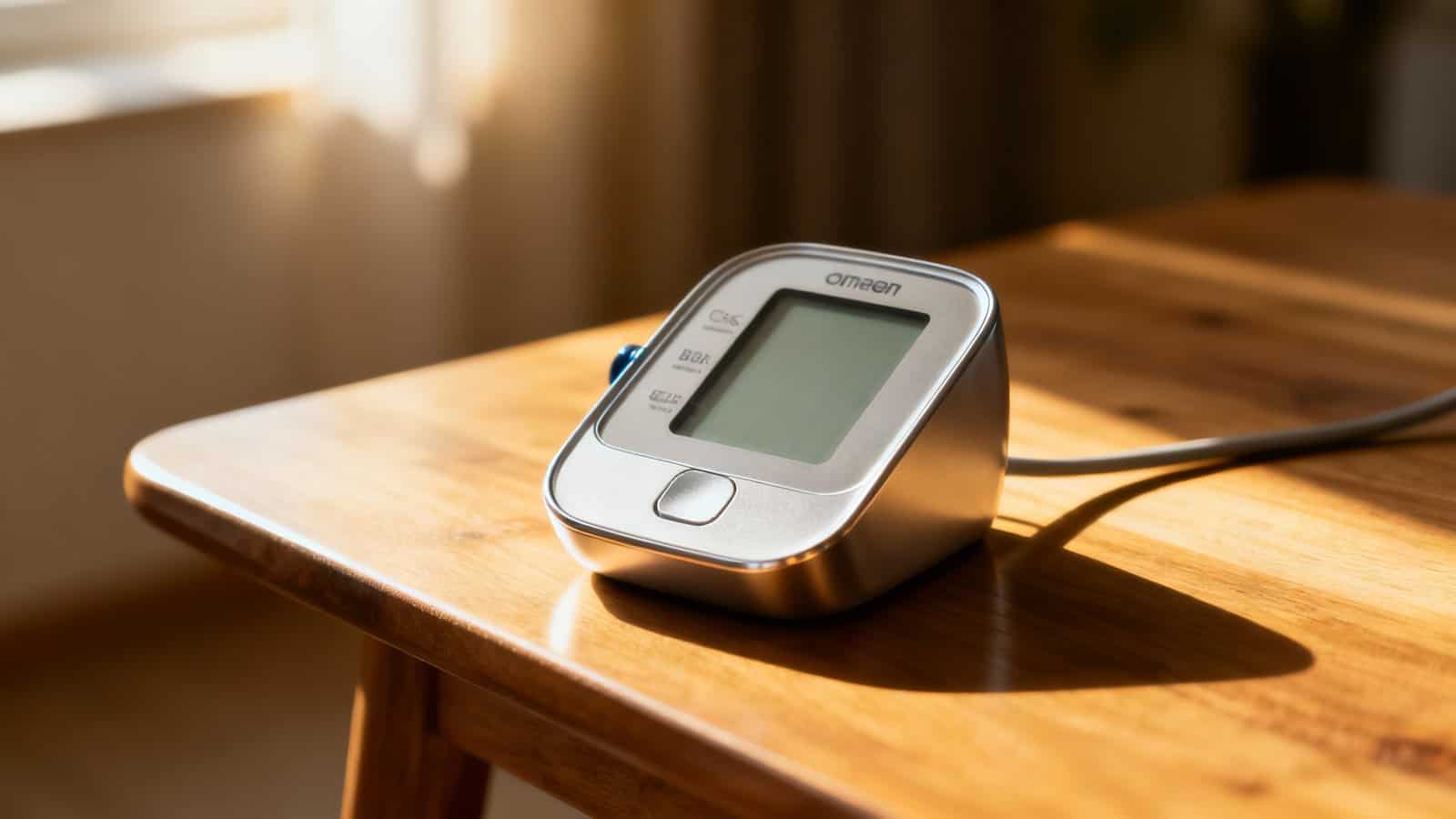
You’ll find today’s top-rated blood pressure calculators combine smartphone convenience with medical-grade accuracy. Omron Connect and HeartAdvisor offer comprehensive tracking with automatic charts and concerning trend alerts. Withings Health Mate syncs with multiple platforms while QardioArm provides triple measurement accuracy. AMWELL delivers instant analytics and risk assessments, while Blood Pressure Companion Pro transforms manual entries into categorized medical insights. These tools transform raw numbers into actionable health data that helps optimize your cardiovascular wellness.
Table of Contents
Key Takeaways
- CardioSmart Risk Assessment Calculator evaluates cardiovascular risk using age, cholesterol, blood pressure, and lifestyle factors to generate personalized 10-year risk percentages.
- Omron Connect App provides automatic data organization, customizable alerts for out-of-range readings, and shareable weekly reports for healthcare provider communication.
- Withings Health Mate syncs automatically with devices, offers 30-day trend graphs, supports 8 users, and integrates with Apple Health and Google Fit.
- AMWELL Monitor features integrated analytics with instant interpretation, trend analysis, Bluetooth sync, and stores 99 readings per user with color-coded displays.
- Blood Pressure Companion Pro transforms manual systolic/diastolic entries into categorized readings per medical guidelines with multi-user support and privacy safeguards.
Understanding Blood Pressure Calculator Types and Their Core Functions
When you’re managing your blood pressure at home, you’ll encounter several calculator types that serve different monitoring needs.
Basic calculators track systolic and diastolic readings, providing instant averages and classification according to medical guidelines. Advanced models incorporate multiple input variables including age, weight, medication status, and time of measurement to generate personalized risk assessments.
MAP (Mean Arterial Pressure) calculators determine the average pressure in your arteries during one cardiac cycle, while pulse pressure calculators measure the difference between systolic and diastolic values. Some tools feature trend analysis capabilities that chart your readings over weeks or months, revealing patterns you’d otherwise miss.
For accurate output interpretation, you’ll need calculators that clearly display whether your readings fall within normal, elevated, or hypertensive ranges. The most effective tools provide context-specific guidance, alerting you when readings require medical attention and offering actionable insights based on your measurement history and health profile.
Omron Connect App and HeartAdvisor Platform Features
When you’re using Omron’s digital platforms, you’ll find comprehensive data tracking capabilities that record your blood pressure trends over weeks and months.
The apps automatically organize your readings into easy-to-read graphs and charts, letting you spot patterns in your measurements throughout different times of day.
You can also set up customizable alert systems that’ll notify you when readings fall outside your target range or when it’s time for your next measurement.
Data Tracking Capabilities
Managing your blood pressure readings becomes significantly easier with dedicated tracking platforms like the Omron Connect App and HeartAdvisor system.
You’ll find these platforms automatically sync your measurements from compatible devices, eliminating manual entry errors.
The apps store unlimited readings with timestamps, letting you track patterns over weeks, months, or years.
You can export your data in various formats for healthcare provider visits, ensuring data portability across different systems.
Both platforms maintain strict privacy safeguards, encrypting your personal health information and allowing you to control who accesses your records.
You’ll appreciate features like color-coded readings that instantly show whether you’re within target ranges, customizable reminder notifications for medication and measurement schedules, and trend analysis tools that highlight concerning patterns requiring medical attention.
Alert System Options
Beyond basic tracking, these platforms provide intelligent alert systems that actively monitor your blood pressure trends and notify you of potential concerns. You’ll customize notification frequency based on your preferences, choosing between instant alerts for critical readings or daily summaries for routine monitoring. The Omron Connect App sends push notifications when measurements exceed your preset thresholds, while HeartAdvisor flags concerning patterns across multiple readings.
Both systems implement escalation protocols that distinguish between minor fluctuations and serious deviations. If you’re consistently recording high readings, you’ll receive urgent alerts recommending immediate medical consultation. The platforms also generate weekly reports highlighting unusual trends, helping you identify triggers like medication changes or lifestyle factors. You can share these automated alerts directly with your healthcare provider, ensuring they’re informed about significant changes between appointments.
Withings Health Mate Blood Pressure Tracking System
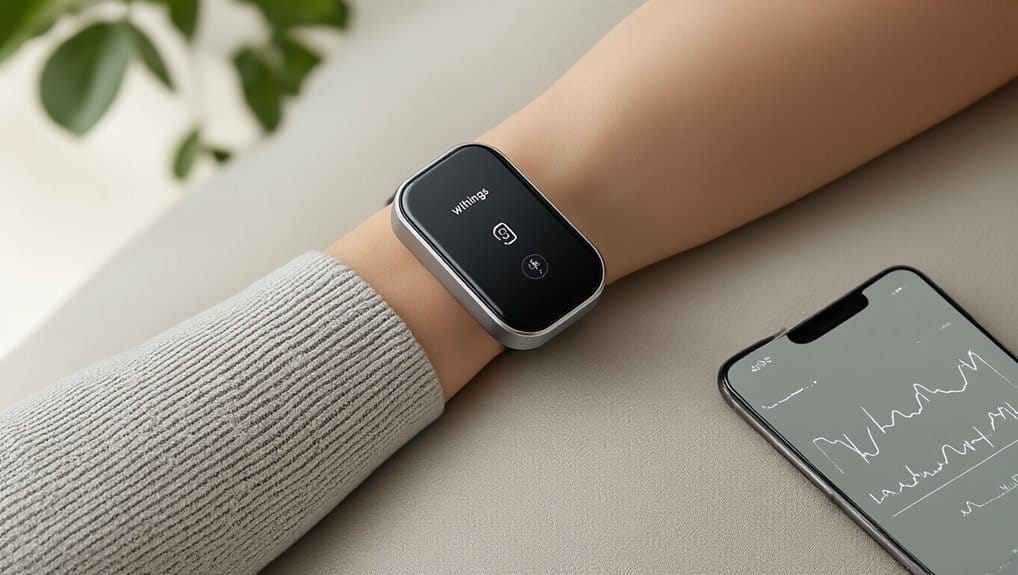
You’ll find the Withings Health Mate app transforms your blood pressure monitoring with smart features that sync automatically with Withings devices and create comprehensive health reports.
The system tracks your readings over time, calculates averages, and flags concerning trends while integrating seamlessly with Apple Health and Google Fit.
Setting up takes minutes—just pair your Withings monitor via Bluetooth, and you’re ready to start building your personalized blood pressure history.
Key Features Overview
When you’re tracking your blood pressure at home, the Withings Health Mate system offers several standout features that set it apart from basic monitors. You’ll appreciate the seamless smartphone integration that automatically syncs readings to your health profile. The system’s advanced algorithms detect irregular heartbeats while maintaining strict privacy standards for your medical data.
| Feature | Benefit | Availability |
|---|---|---|
| Multi-User Profiles | Track 8 users | All models |
| Trend Analysis | 30-day graphs | Premium app |
| Doctor Reports | PDF exports | Free version |
You’re protected by comprehensive warranty coverage that includes two years for hardware defects and lifetime app support. The color-coded feedback system instantly shows whether your readings fall within healthy ranges. You can share results directly with healthcare providers through encrypted channels, ensuring your data remains secure while facilitating better medical consultations.
Setup and Usage
Getting started with your Withings Health Mate blood pressure monitor takes just minutes once you’ve unboxed the device.
You’ll need to download the Health Mate app and create your account first.
The app guides you through Bluetooth pairing and initial calibration.
Follow these essential placement tips for accurate readings:
- Position the cuff on your bare upper arm, one inch above your elbow bend
- Ensure the artery marker aligns with your brachial artery
- Keep your arm at heart level during measurements
You’ll find the device incredibly user-friendly with one-button operation.
The app automatically syncs your readings and tracks trends over time. Your maintenance schedule is simple—clean the cuff weekly with a damp cloth and replace batteries every six months. The system alerts you when calibration’s needed.
AMWELL Smart Blood Pressure Monitor With Built-In Analytics
How does tracking your blood pressure become simpler when your monitor handles the analysis for you? The AMWELL Smart Blood Pressure Monitor transforms raw readings into actionable insights through its integrated analytics system.
You’ll receive instant interpretations of your measurements, trend analysis over time, and alerts when readings fall outside normal ranges.
The monitor’s ergonomic cuff fits arm circumferences from 8.7 to 16.5 inches, ensuring accurate readings regardless of your arm size. You can sync data directly to your smartphone via Bluetooth, where the companion app stores up to 99 readings per user profile. The system accommodates multiple users while maintaining strict privacy safeguards through password-protected accounts.
You’ll appreciate the color-coded display that immediately shows whether your readings are normal, elevated, or concerning. The device automatically calculates your average morning and evening pressures, helping you identify patterns your doctor needs to know about during appointments.
Blood Pressure Companion Pro Calculator and Trend Analysis Tools
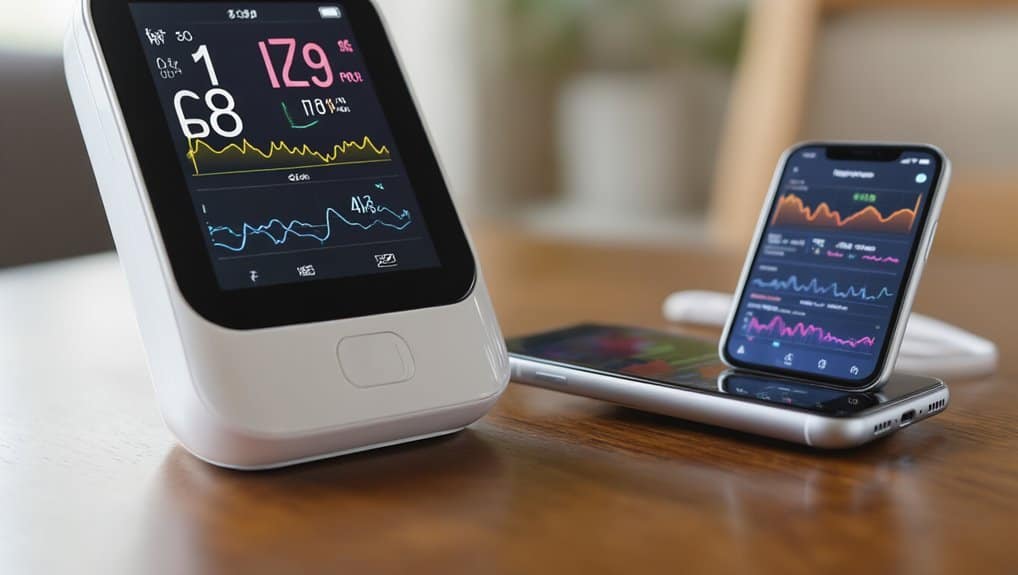
The Blood Pressure Companion Pro Calculator takes your manual readings and transforms them into comprehensive health insights you can actually use.
You’ll enter your systolic and diastolic values, and the app’s advanced algorithms instantly categorize your readings according to medical guidelines.
What sets this calculator apart is its algorithm transparency—you can see exactly how it determines your blood pressure categories and risk assessments.
The tool maintains regulatory compliance with FDA guidelines, ensuring you’re getting medically accurate interpretations.
The trend analysis features help you spot patterns over time:
- Weekly averages that highlight fluctuations in your morning versus evening readings
- Monthly progression charts showing whether your lifestyle changes are working
- Exportable PDF reports formatted for your doctor’s review
You won’t need complex spreadsheets anymore.
The calculator automatically flags concerning trends and suggests when you should contact your healthcare provider, making blood pressure management straightforward and actionable.
Cardiosmart Risk Assessment Calculator From the American College of Cardiology
The CardioSmart Risk Assessment Calculator from the American College of Cardiology evaluates your cardiovascular risk factors including age, cholesterol levels, blood pressure, and lifestyle habits.
You’ll receive a personalized risk score that shows your likelihood of developing heart disease within the next ten years.
Based on your results, the tool provides specific prevention strategies you can implement to reduce your risk and improve your heart health.
Risk Factor Analysis
When you’re managing blood pressure at home, understanding your overall cardiovascular risk helps you make smarter health decisions.
The Cardiosmart calculator’s risk factor analysis examines multiple variables that influence your heart health beyond just blood pressure readings.
You’ll input three critical categories that shape your cardiovascular profile:
- Lifestyle factors – including smoking status, physical activity levels, and dietary patterns
- Medical history – covering diabetes, cholesterol levels, and existing heart conditions
- Personal characteristics – incorporating age, gender, and family background
The tool recognizes that genetic predisposition plays a significant role in determining your risk level.
It also considers socioeconomic determinants like healthcare access and environmental factors that affect your cardiovascular outcomes.
You’ll receive a personalized risk score that guides your prevention strategies and helps prioritize which health behaviors need immediate attention.
Personalized Score Interpretation
Understanding transforms numbers into actionable health insights when you receive your cardiovascular risk score from the Cardiosmart calculator.
You’ll see your 10-year risk percentage displayed alongside clear explanations of what these numbers mean for your specific situation.
The calculator establishes Individual Baselines by comparing your results to population averages while accounting for your unique health profile.
You’re not just getting generic ranges—you’re seeing where you stand based on your age, gender, and medical history.
Adaptive Thresholds adjust your risk categories based on multiple factors you’ve entered.
If you’re diabetic, the calculator recalibrates what constitutes “low” versus “high” risk for you.
You’ll receive tailored recommendations that match your circumstances, whether that’s lifestyle modifications or medical consultation urgency.
This personalization ensures you’re making decisions based on your actual risk profile, not one-size-fits-all guidelines.
Prevention Strategy Recommendations
After calculating your cardiovascular risk score, you’ll receive evidence-based prevention strategies tailored to your specific risk factors and health goals.
The Cardiosmart calculator generates actionable recommendations that you can implement immediately to reduce your blood pressure and cardiovascular risk.
Your personalized prevention plan typically includes:
- Dietary Approaches – You’ll get specific guidance on sodium reduction, DASH diet implementation, and portion control strategies that match your current eating patterns
- Physical Activity Goals – The calculator provides exercise targets based on your fitness level and any mobility limitations you’ve indicated
- Stress Management Techniques – You’ll receive recommendations for meditation, breathing exercises, or counseling resources appropriate for your lifestyle
These strategies aren’t generic advice.
They’re customized based on your age, existing conditions, and modifiable risk factors you’ve entered into the calculator.
Qardioarm Wireless Monitor With Integrated Calculation Software
The QardioArm wireless monitor combines sleek design with calculation software that automatically tracks and analyzes your blood pressure trends. You’ll appreciate the design ergonomics that make daily monitoring comfortable and intuitive. The device’s cylindrical shape wraps naturally around your upper arm, while the soft silicone cuff adjusts to fit arms from 8.7 to 14.6 inches.
| Feature | Benefit | User Impact |
|---|---|---|
| Triple Measurement | Takes 3 consecutive readings | Ensures accuracy |
| Irregular Heartbeat Detection | Alerts you to arrhythmias | Prompts medical consultation |
| Cloud Storage | Syncs unlimited readings | Tracks long-term patterns |
| Multi-User Support | Manages 8 different profiles | Monitors whole family |
Your data syncs instantly with the Qardio app, where built-in calculators determine average readings, track medication adherence, and identify concerning patterns. Regular firmware updates enhance calculation algorithms and add new features without requiring hardware replacement. The monitor’s WHO indicator immediately shows whether you’re in normal, elevated, or hypertensive ranges.
Blood Pressure Log With Statistics (BPL) Mobile Application
Track your blood pressure trends effortlessly with the Blood Pressure Log With Statistics (BPL) mobile application, a comprehensive digital tool that transforms your smartphone into a personal health dashboard.
You’ll appreciate how BPL automatically calculates your average readings, identifies patterns, and generates detailed reports you can share with healthcare providers.
The app’s standout features include:
- Advanced Analytics – View your blood pressure variability, morning surge calculations, and pulse pressure trends through intuitive graphs
- Privacy Compliance – Your health data stays encrypted locally with HIPAA-compliant security protocols protecting sensitive information
- Gamification Incentives – Earn achievement badges for consistent logging, reaching target ranges, and maintaining healthy streaks
You can set medication reminders, add notes about symptoms or activities, and export data in multiple formats.
The color-coded classification system instantly shows whether you’re in normal, elevated, or hypertensive ranges. BPL’s statistical algorithms detect concerning patterns and prompt you to seek medical attention when necessary.
Comparing Free Vs Premium Blood Pressure Calculator Features
While free blood pressure calculators offer basic functionality for tracking your readings, premium versions unlock advanced features that can significantly enhance your health monitoring experience.
You’ll find free apps typically provide manual entry, basic charts, and simple averaging.
They’re perfect if you only need occasional monitoring without detailed analysis.
Premium calculators transform your data into actionable insights.
You’ll access medication reminders, multi-user profiles, cloud synchronization, and detailed trend analysis.
They’ll generate PDF reports for your doctor, track correlations with lifestyle factors, and send alerts for concerning patterns.
Understanding subscription psychology helps you recognize when marketing creates artificial urgency versus genuine value.
Watch for hidden limitations in free versions.
You might discover export restrictions, limited data storage, or disabled sharing features after investing time entering readings.
Premium subscriptions usually cost $3-10 monthly, but they’ll eliminate ads, remove entry caps, and provide unlimited historical data access.
Compare features carefully before committing.
Essential Metrics to Track Beyond Basic Systolic and Diastolic Readings
Beyond recording your standard blood pressure numbers, modern calculators can capture pulse pressure, mean arterial pressure, and heart rate variability to paint a complete cardiovascular picture.
You’ll gain deeper insights into your cardiovascular health by tracking these additional metrics that reveal patterns your basic readings might miss.
Here’s what you should monitor:
- Pulse Pressure – Calculate the difference between systolic and diastolic readings to assess arterial stiffness
- Mean Arterial Pressure (MAP) – Track your average blood pressure during a single cardiac cycle for organ perfusion insights
- Heart Rate Variability – Measure beat-to-beat variations to understand your autonomic nervous system function
These metrics help you detect subtle changes before they become concerning trends.
Your Heart Rate patterns combined with blood pressure data can reveal stress responses, medication effectiveness, and recovery status.
Frequently Asked Questions
How Often Should I Calibrate My Home Blood Pressure Monitoring Device?
You should check your blood pressure monitor’s calibration schedule every 1-2 years for optimal performance. Take your device to your healthcare provider’s office for accuracy verification against their professional equipment.
If you’re using it daily or notice inconsistent readings, consider checking it annually. Some manufacturers recommend specific intervals, so consult your manual.
Between professional checks, you’ll want to ensure proper cuff fit and battery levels for reliable measurements.
Can Blood Pressure Calculators Detect Irregular Heartbeat Patterns During Measurements?
Yes, many modern blood pressure calculators can detect irregular heartbeat patterns during measurements. You’ll find advanced models equipped with arrhythmia detection technology that alerts you when your heart rhythm isn’t normal.
These devices use artifact filtering to distinguish between actual irregular beats and movement interference. If your monitor detects irregularities, it’ll typically display a warning symbol, prompting you to consult your doctor about the findings for proper evaluation.
Do These Calculators Work Accurately for Pregnant Women or Children?
You’ll find most standard blood pressure calculators aren’t optimized for pregnancy validation or pediatric accuracy.
They’re typically calibrated for average adults, so readings may be unreliable during pregnancy when blood volume increases dramatically.
For children, you’ll need specialized pediatric cuffs and age-specific algorithms since their normal ranges differ significantly.
If you’re pregnant or monitoring a child, you should use devices specifically designed and validated for these populations to ensure accurate measurements.
How Long Should I Wait Between Consecutive Blood Pressure Readings?
You should wait at least one to two minutes between consecutive blood pressure readings to ensure accuracy. This rest interval allows your blood vessels to return to their normal state.
If you’re taking multiple readings, proper measurement timing is crucial – don’t rush the process. You’ll get the most reliable results by remaining seated quietly during the waiting period, keeping your arm at heart level throughout the entire session.
Are Blood Pressure Calculators Compatible With Pacemakers or Other Implanted Devices?
You’ll find most blood pressure monitors are safe with pacemakers, though device interference can occasionally occur with older models. Check your monitor’s manual for implant compatibility warnings.
You’re typically fine using arm cuff monitors, but wrist monitors may pose slightly higher interference risks when positioned near your chest. If you’re concerned, ask your cardiologist which specific brands they recommend for patients with implanted devices to ensure safe, accurate readings.
Conclusion
You’ve discovered several powerful blood pressure calculators that’ll transform how you monitor your cardiovascular health at home. Whether you choose Omron’s comprehensive platform, Withings’ sleek interface, or AMWELL’s advanced analytics, you’re taking control of your wellness journey. Don’t forget to track additional metrics like pulse pressure and MAP alongside your basic readings. Start with a free app to test features, then upgrade when you’re ready for deeper insights into your blood pressure patterns.


No Comments